250+ Best Discord PFP Ideas: Cool, Aesthetic, Anime & 4k Wallpaper
Discord PFP is one of the quickest ways to make your profile feel like yours. Whether you want to use a favorite character, a personal photo, or a simple icon, this guide explains how to choose an image and set it up to look its best.
Discord PFP Anime
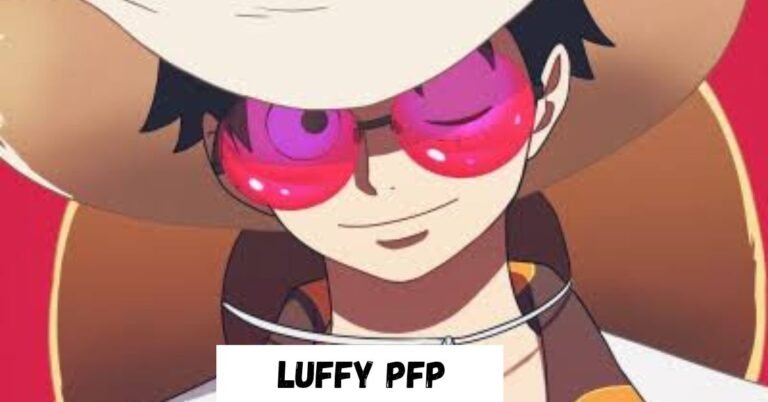
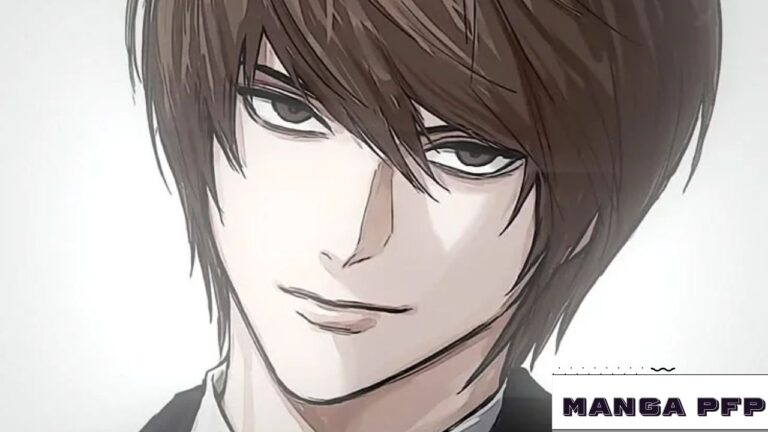
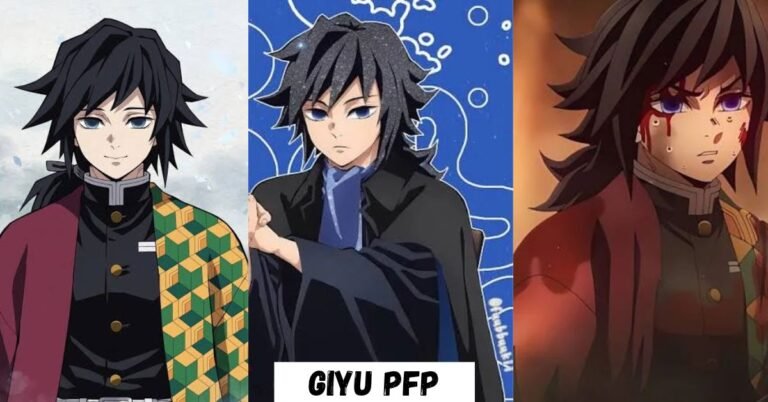
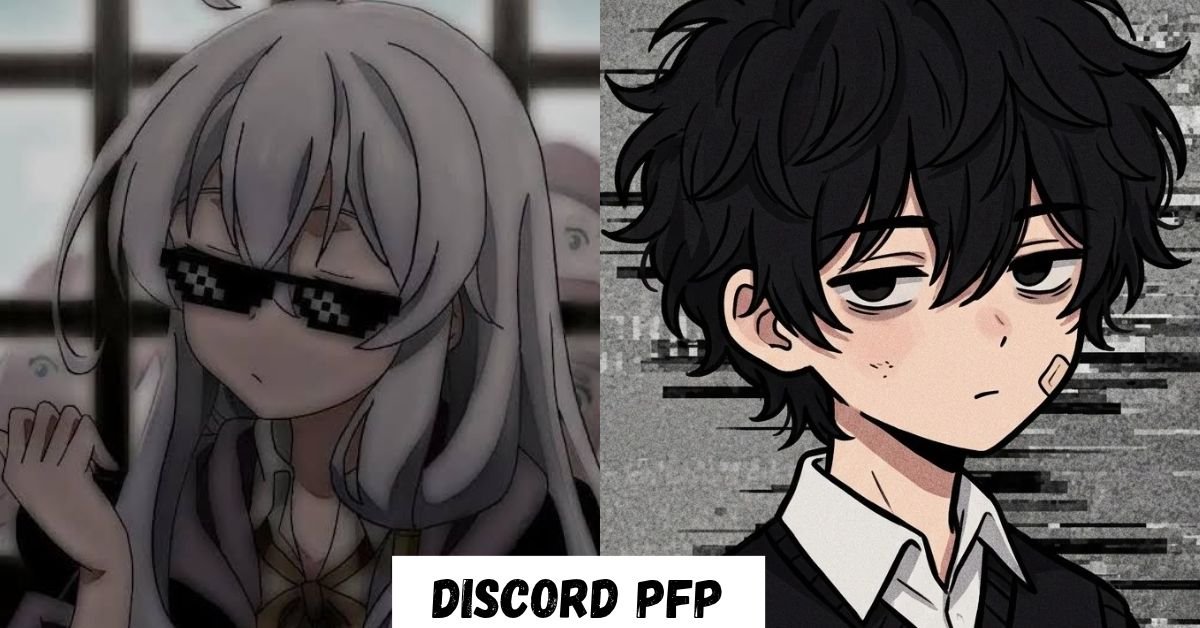
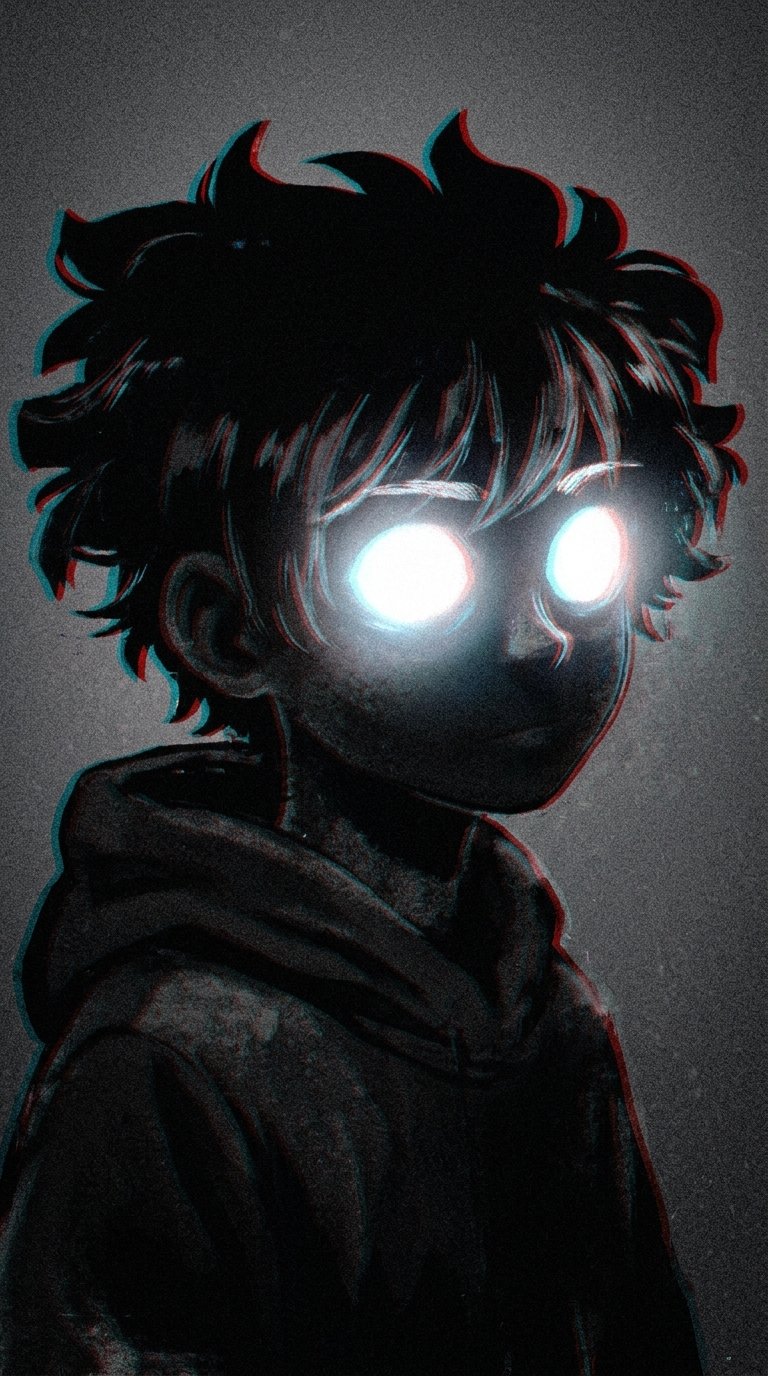
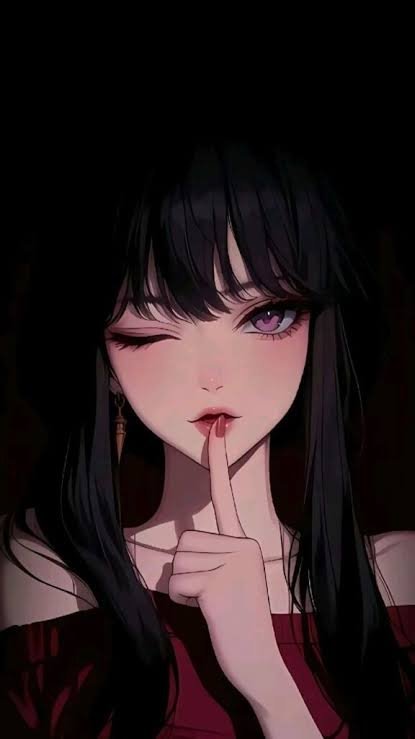
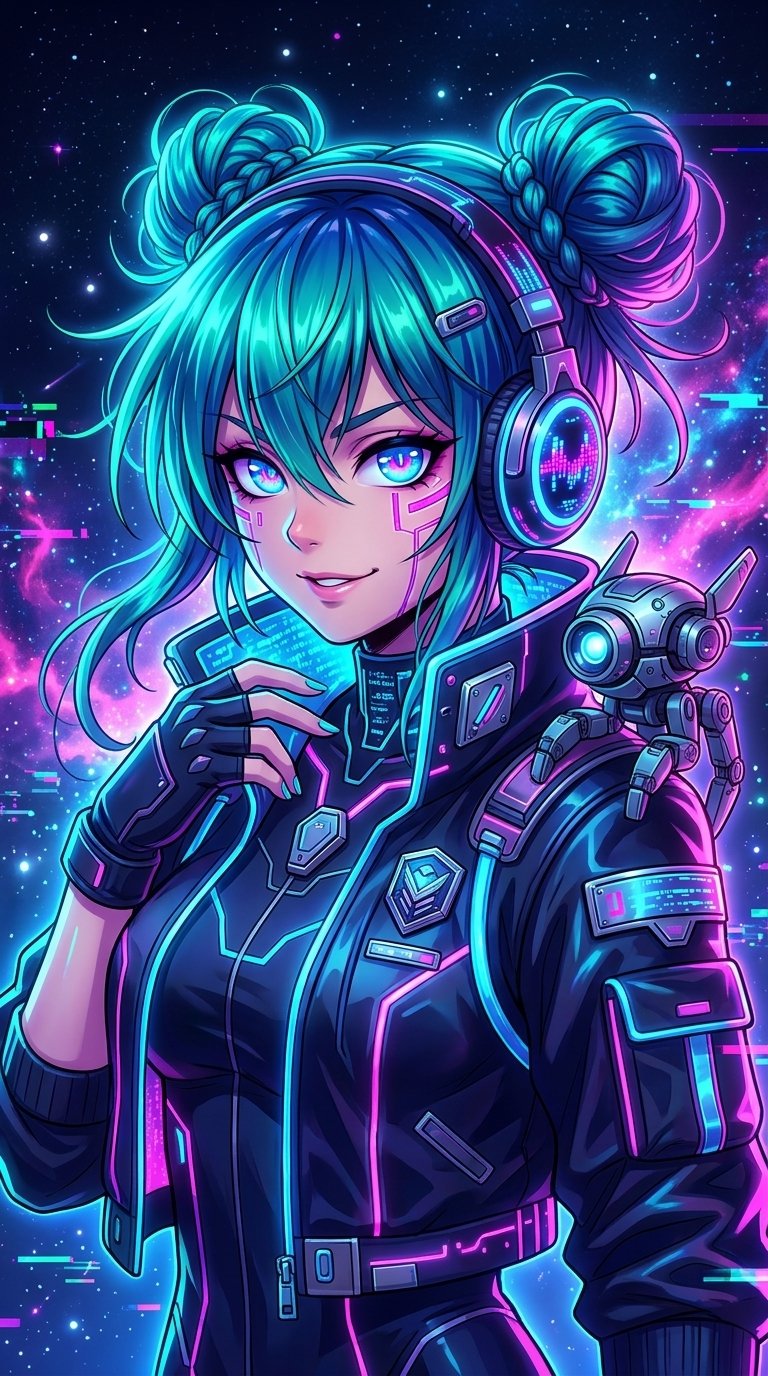
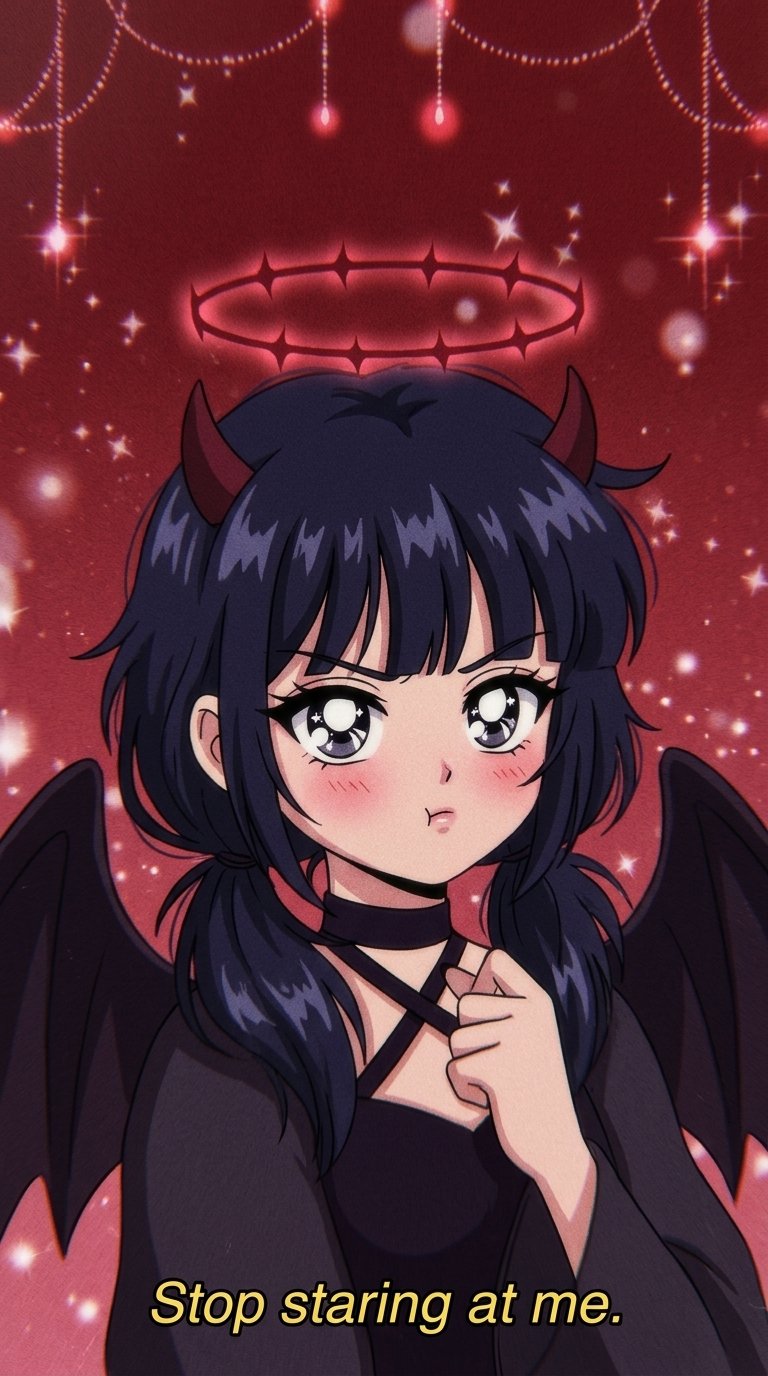
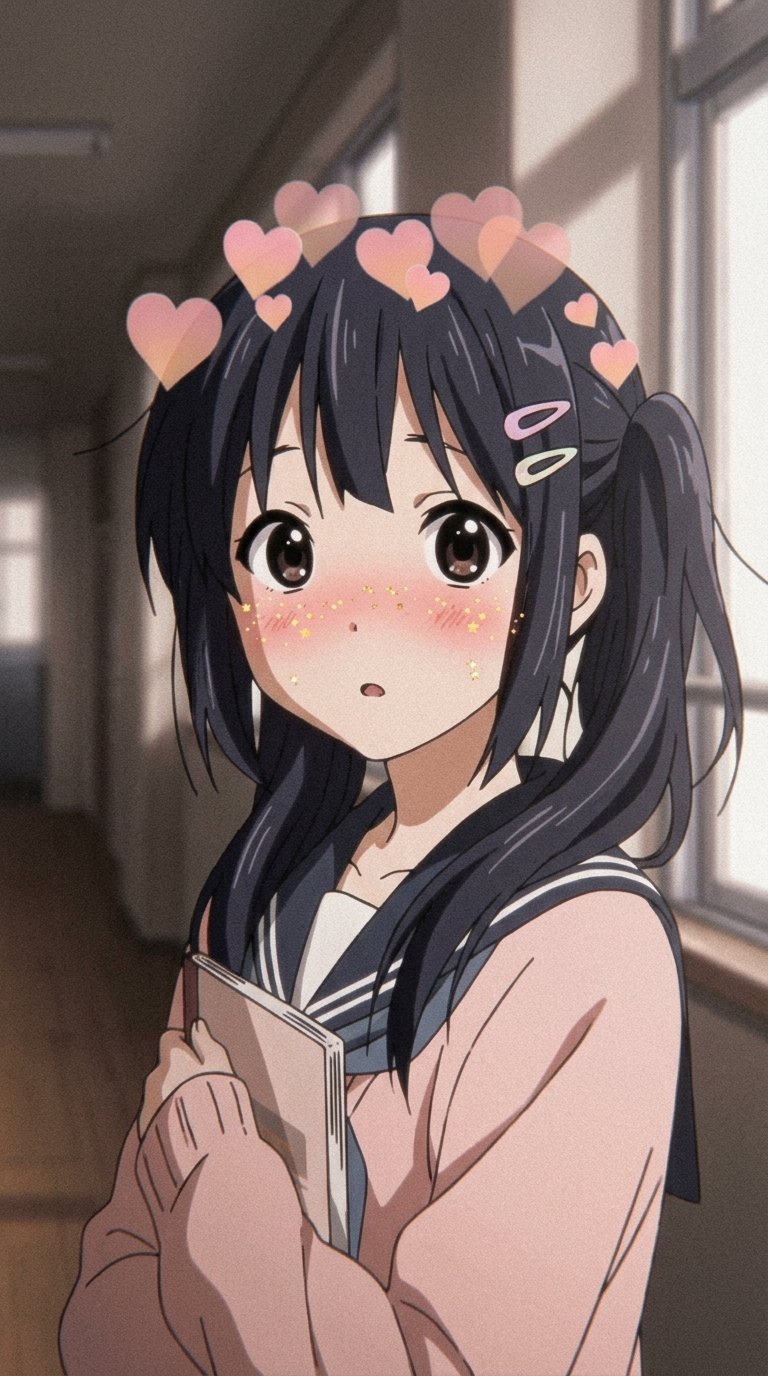
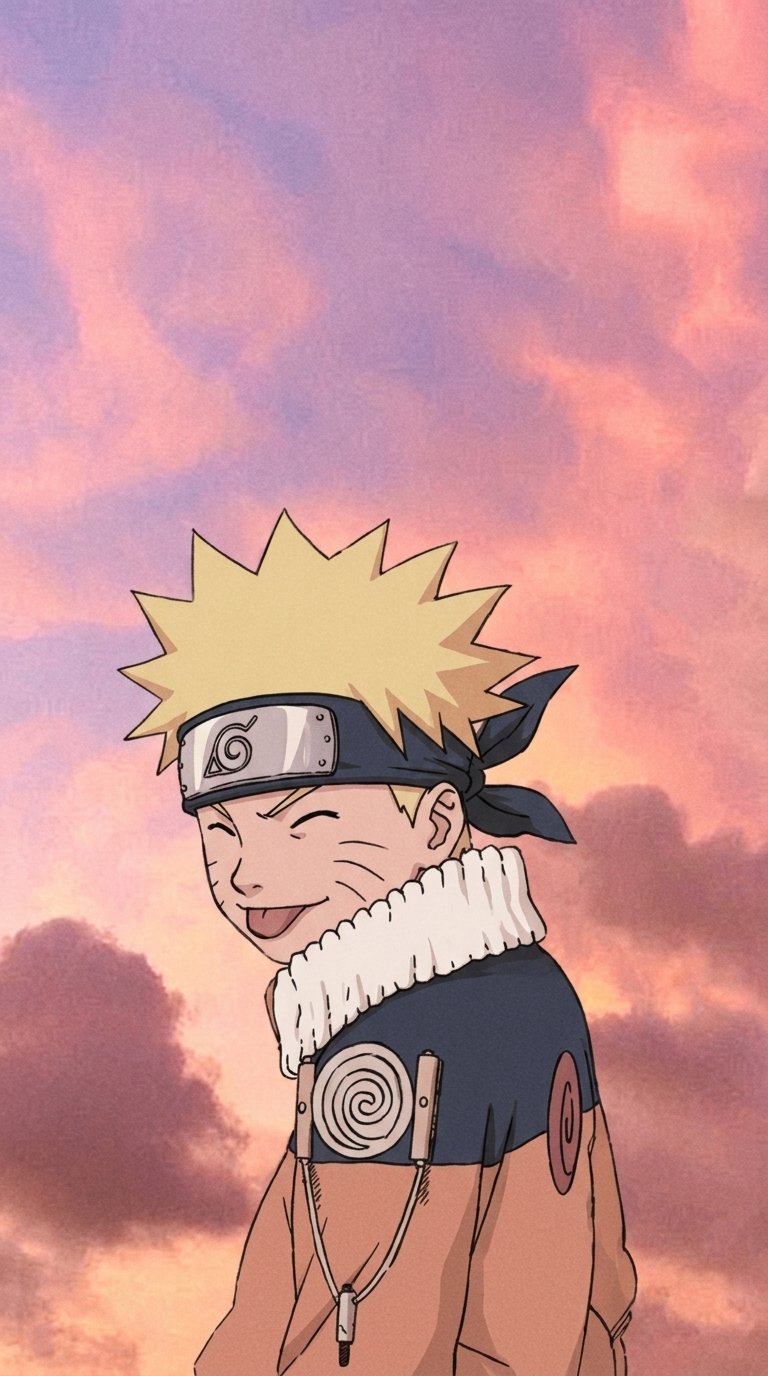
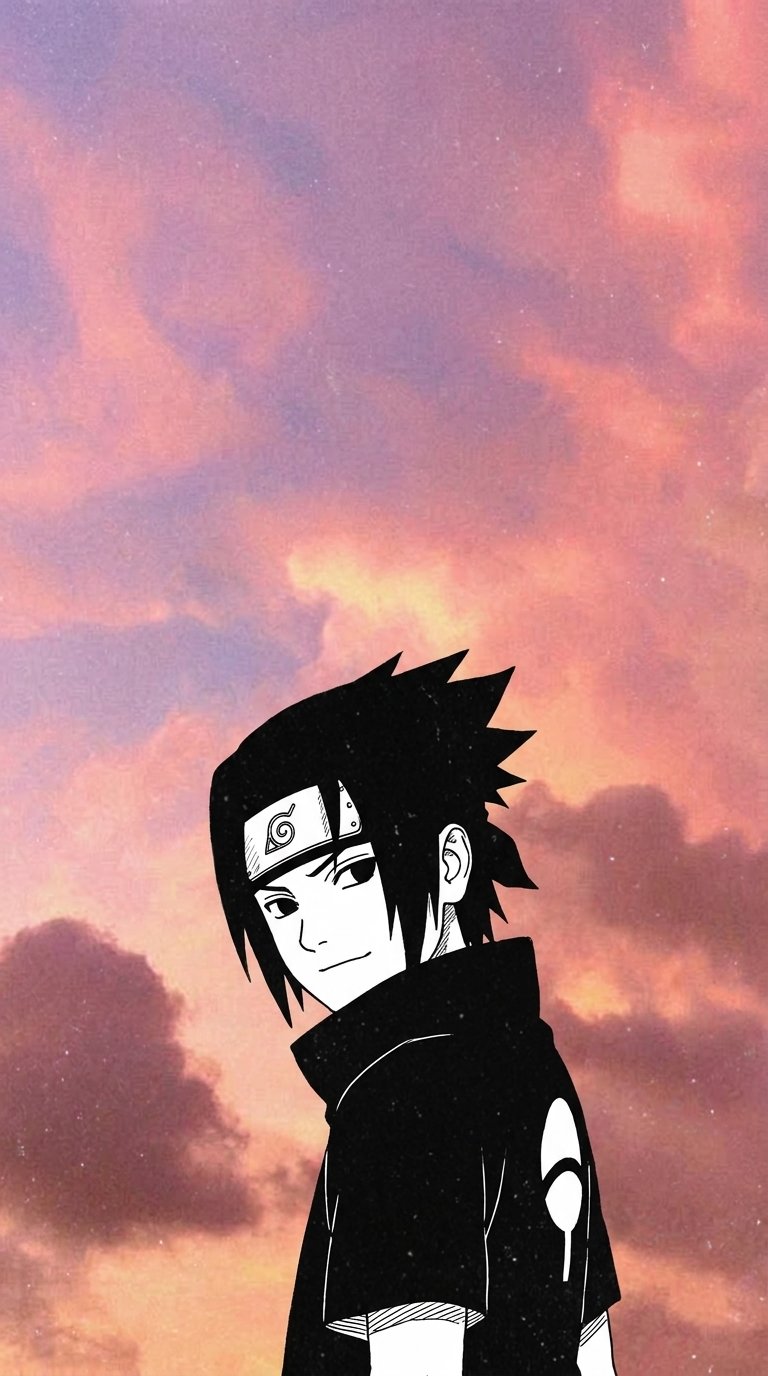
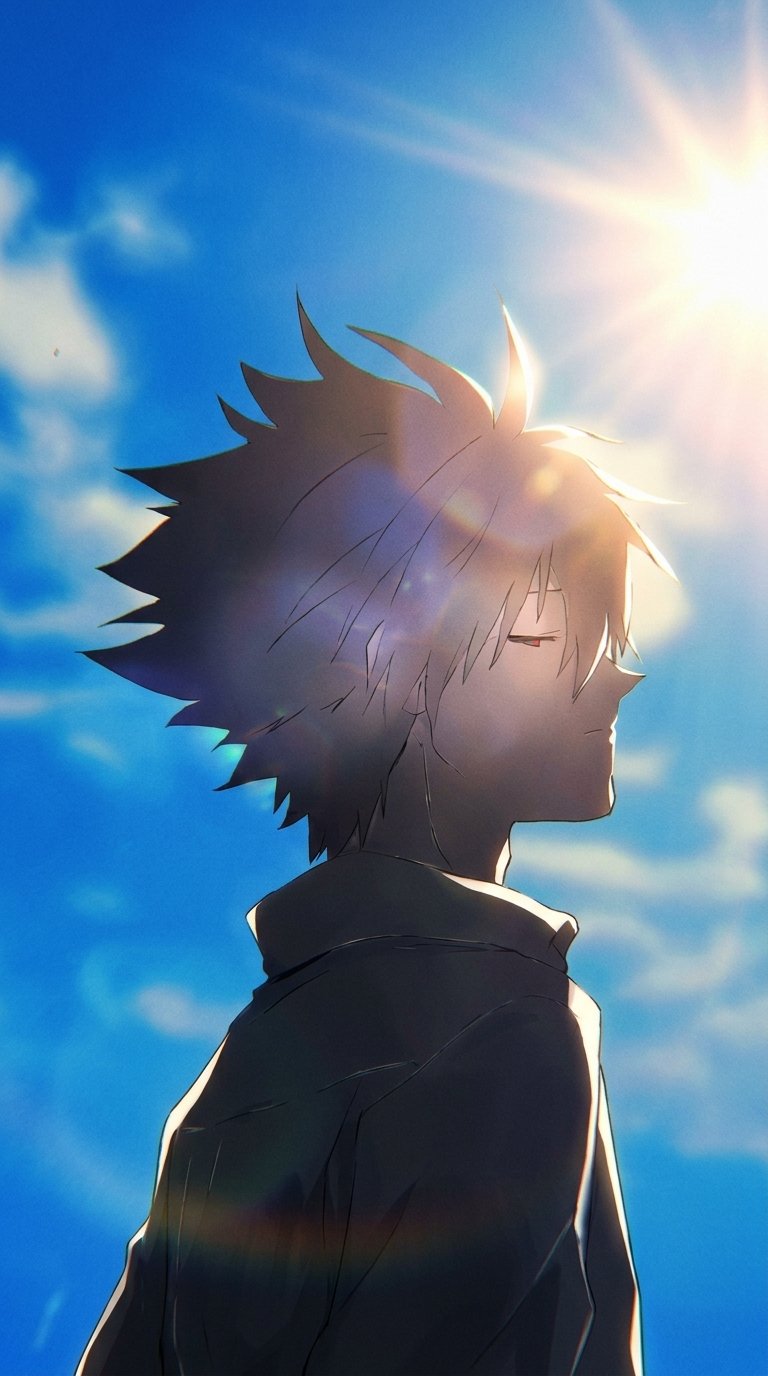
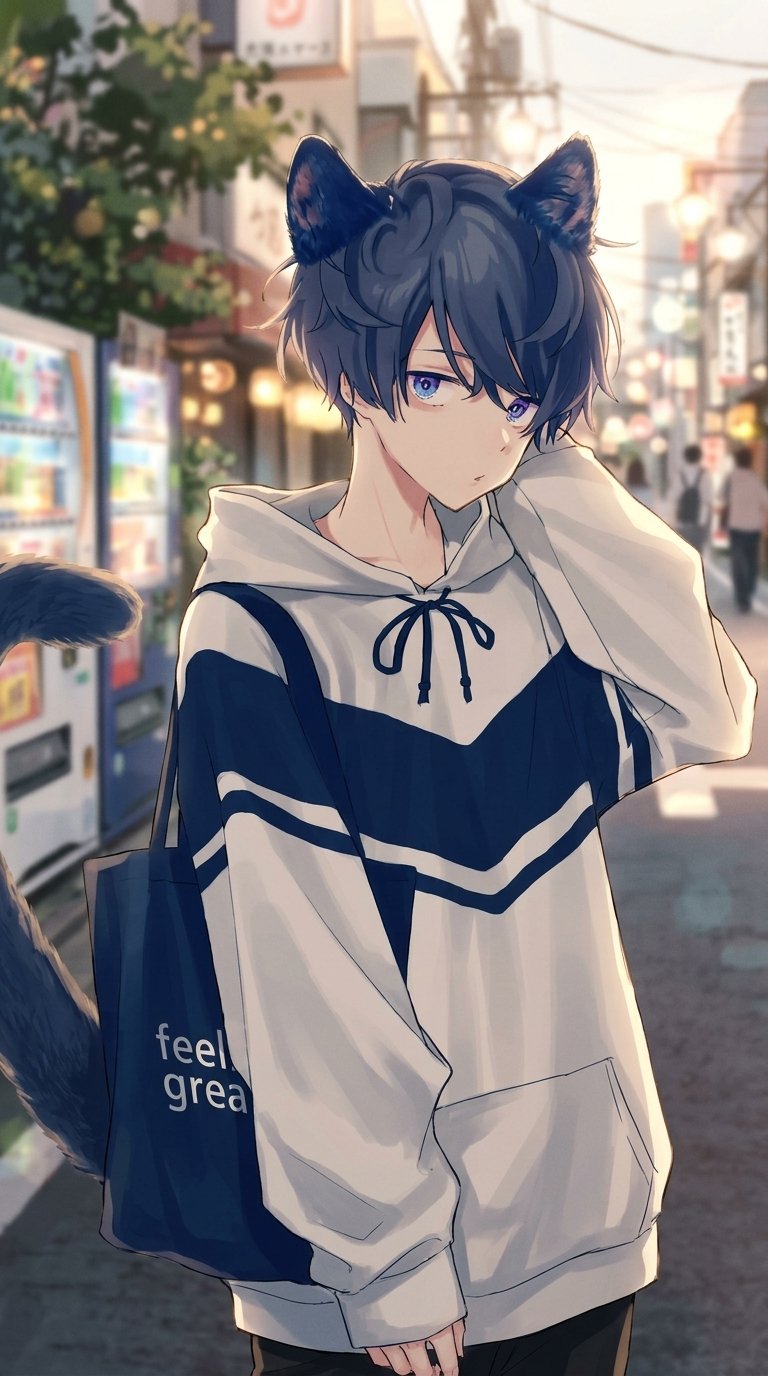
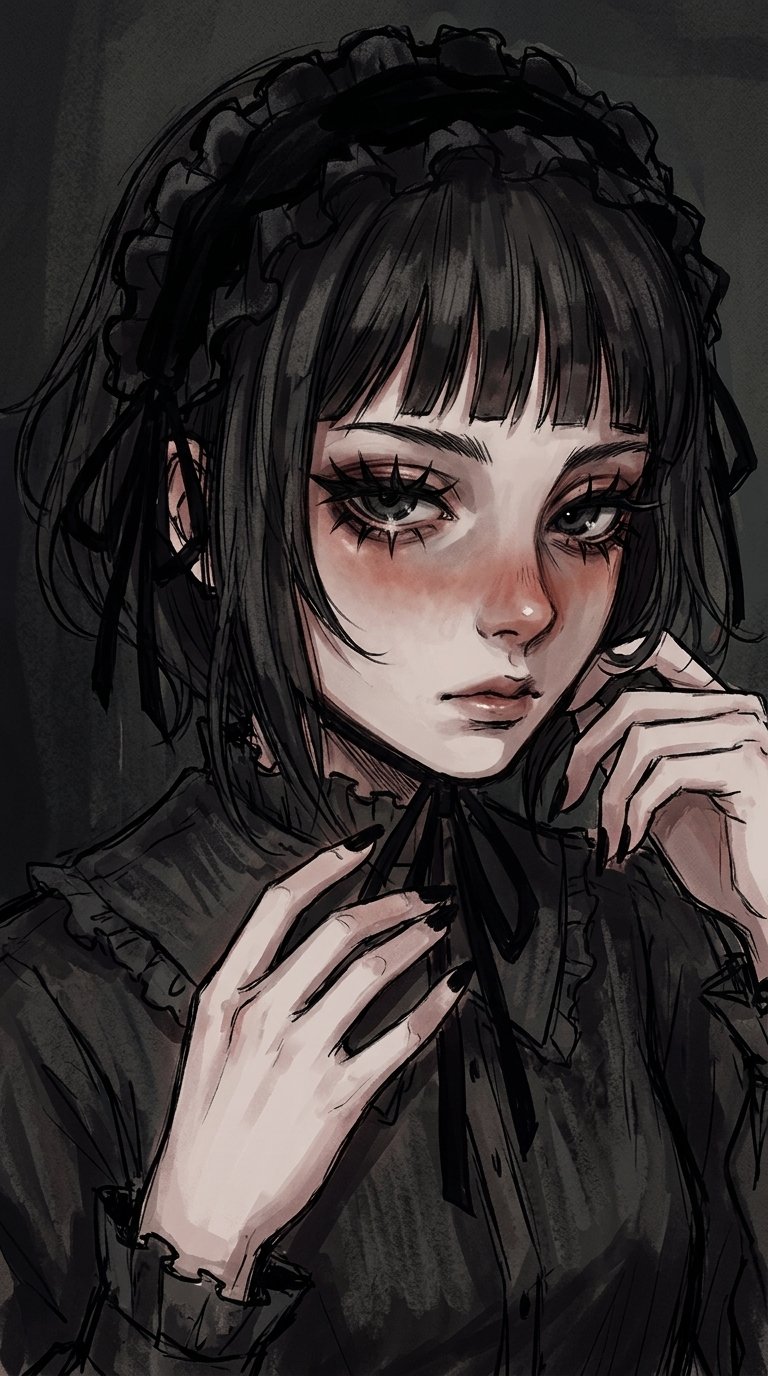
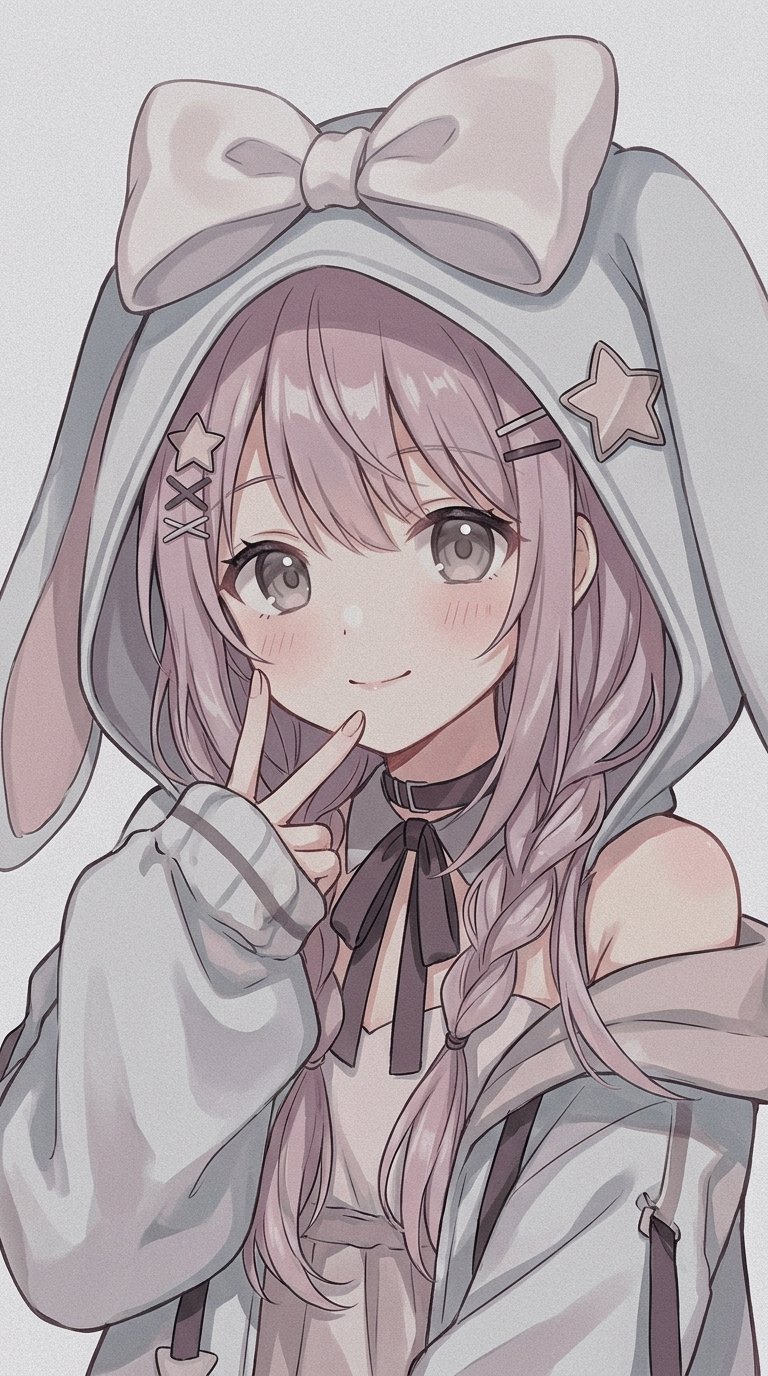
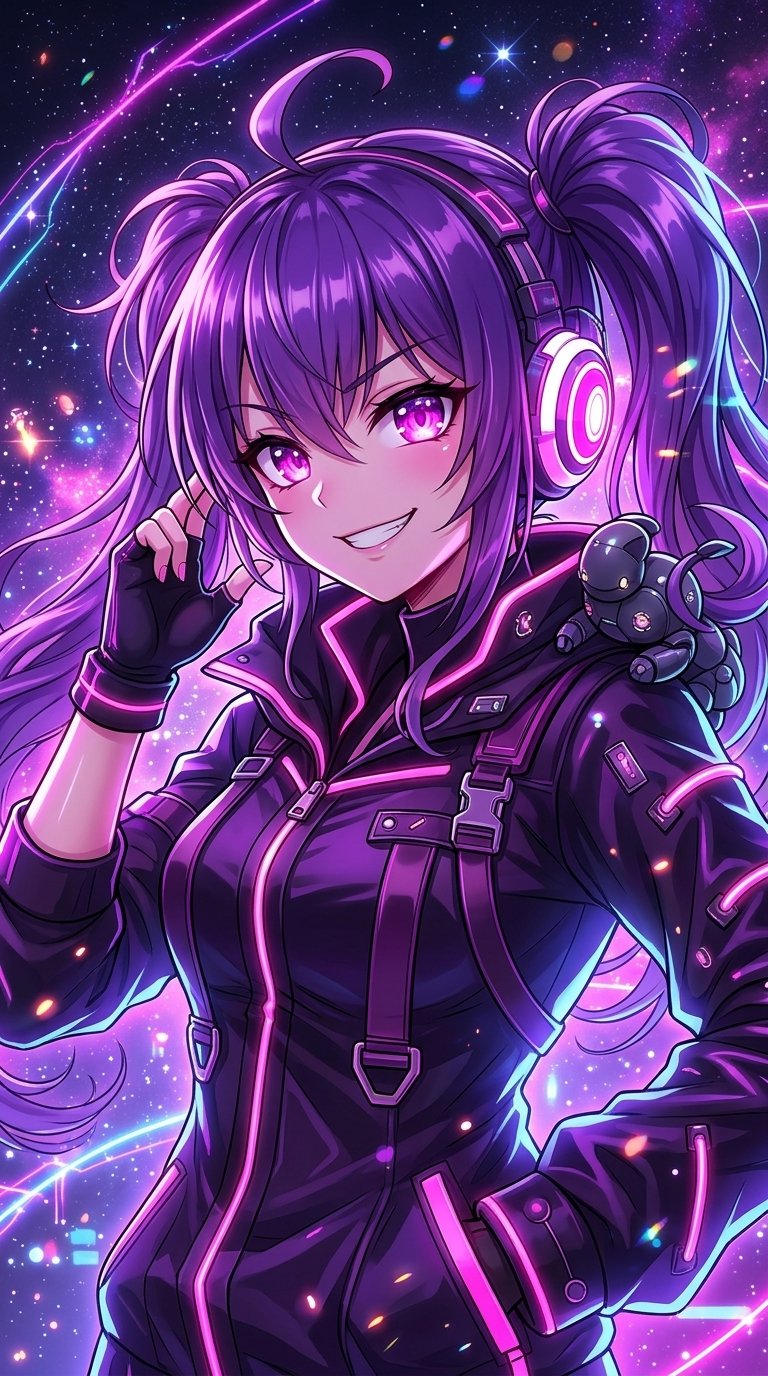
A strong Discord PFP anime choice stays clear even when it appears as a tiny circle. Start with one main subject, such as a character portrait, and look for distinct shapes, colors, or expressions that remain visible when the image is reduced. Highly detailed backgrounds can compete with the subject, so a simple crop may work better. You can also choose an original avatar if you want a look that feels more personal.




Discord PFP For Boy
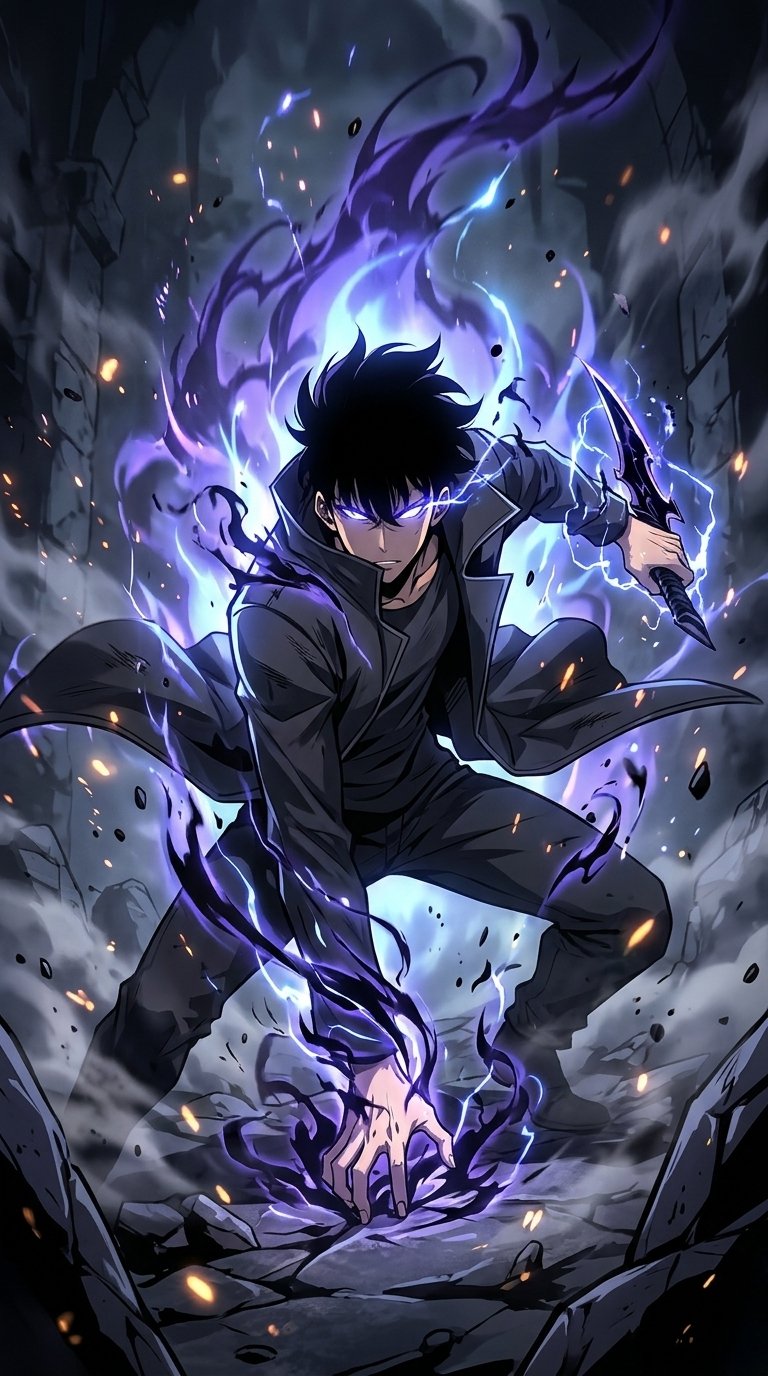
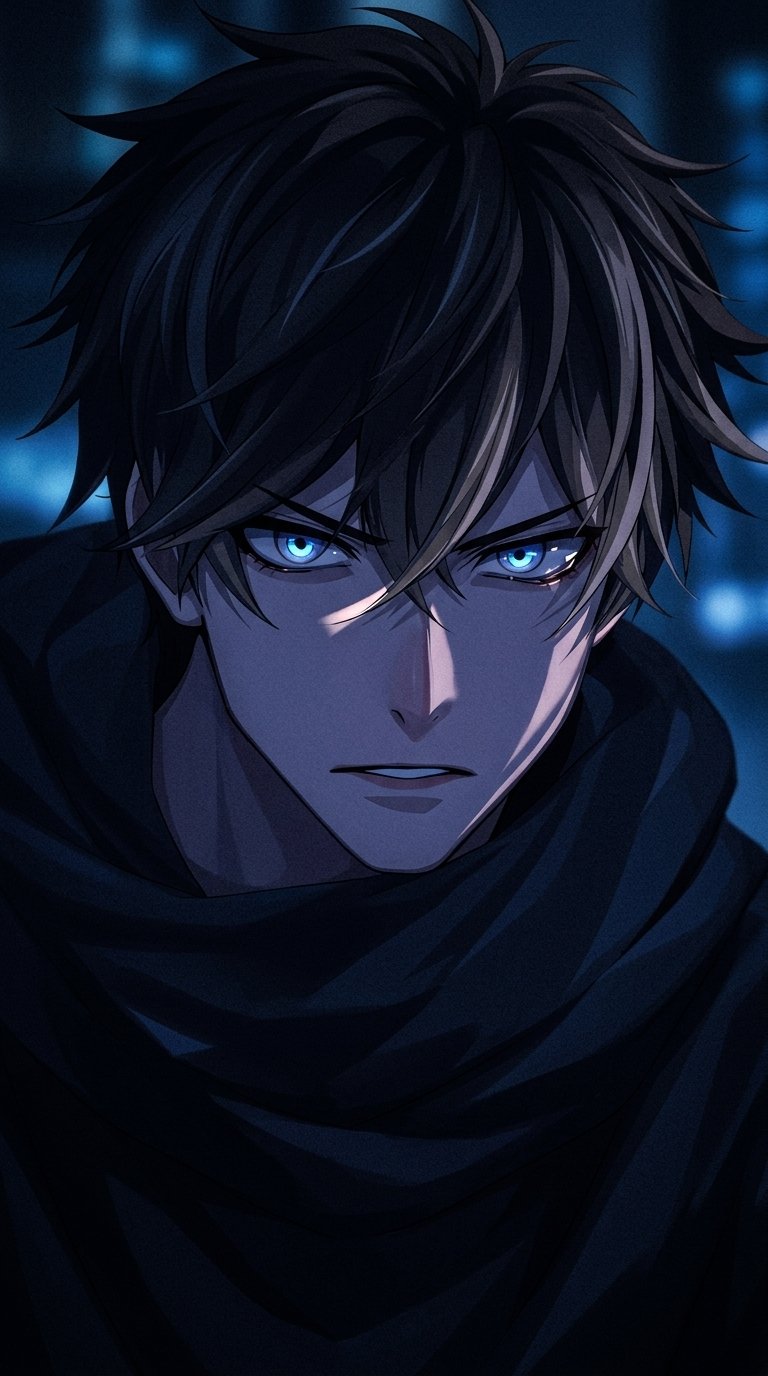
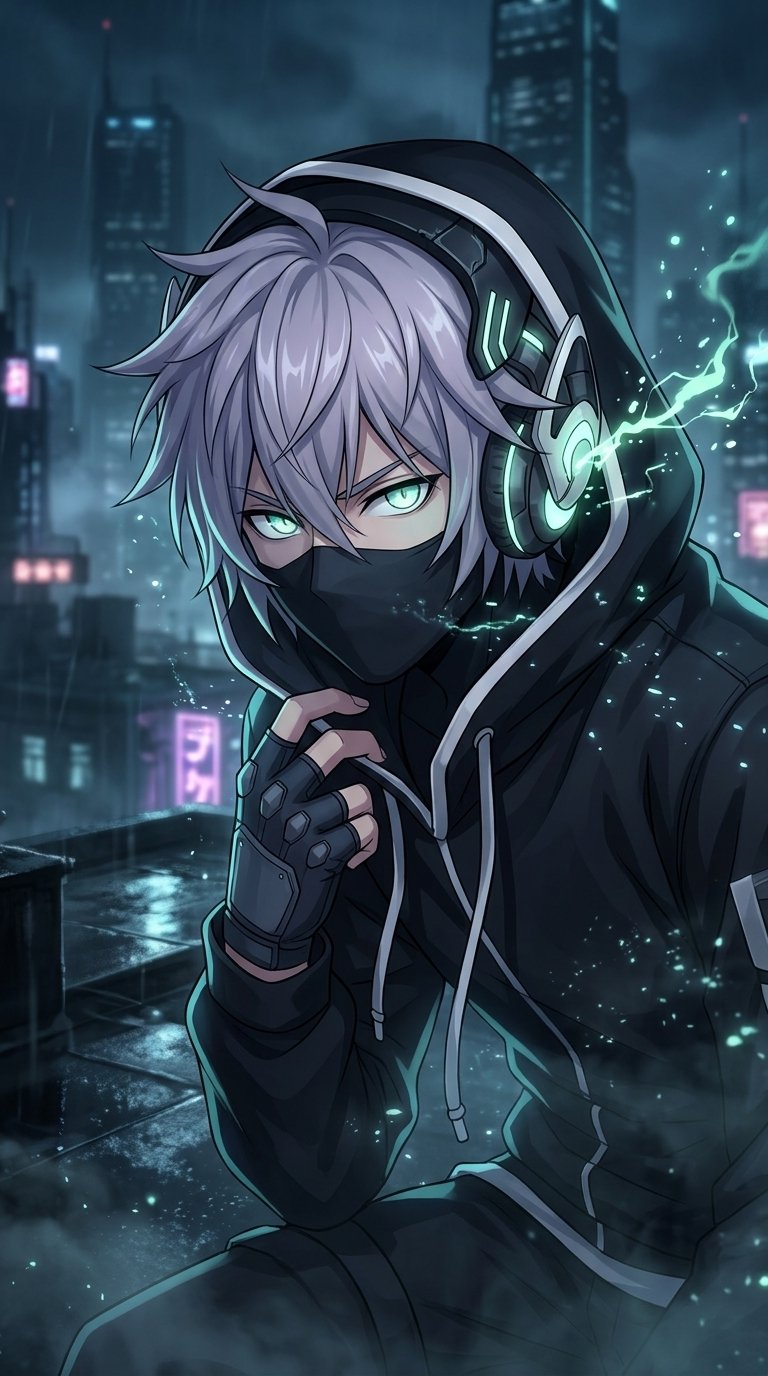
A Discord PFP for a boy can be a simple way to show off your interests and style. Pick an image that feels like you—whether that’s a favorite character, a game-inspired design, an original avatar, or a clear photo. You don’t have to follow a trend; the best choice is one you’ll enjoy seeing next to your messages.
Before you set it, check how the image looks when it’s small and cropped into a circle. Keep the main subject near the center, and avoid details that disappear at thumbnail size. Once it’s in place, you can pair it with a matching banner or status for a more coordinated profile.



Discord PFP For Girl
A Discord PFP for a girl can be cute, bold, minimalist, or anything in between, the best choice is one that feels like you. Try an anime portrait, a favorite character, a soft-color illustration, or a simple photo. If you’re not sure where to start, pick one detail you love, such as a color, aesthetic, or hobby, and build your profile picture around it. Keep Discord’s small, circular display in mind when choosing or cropping an image.
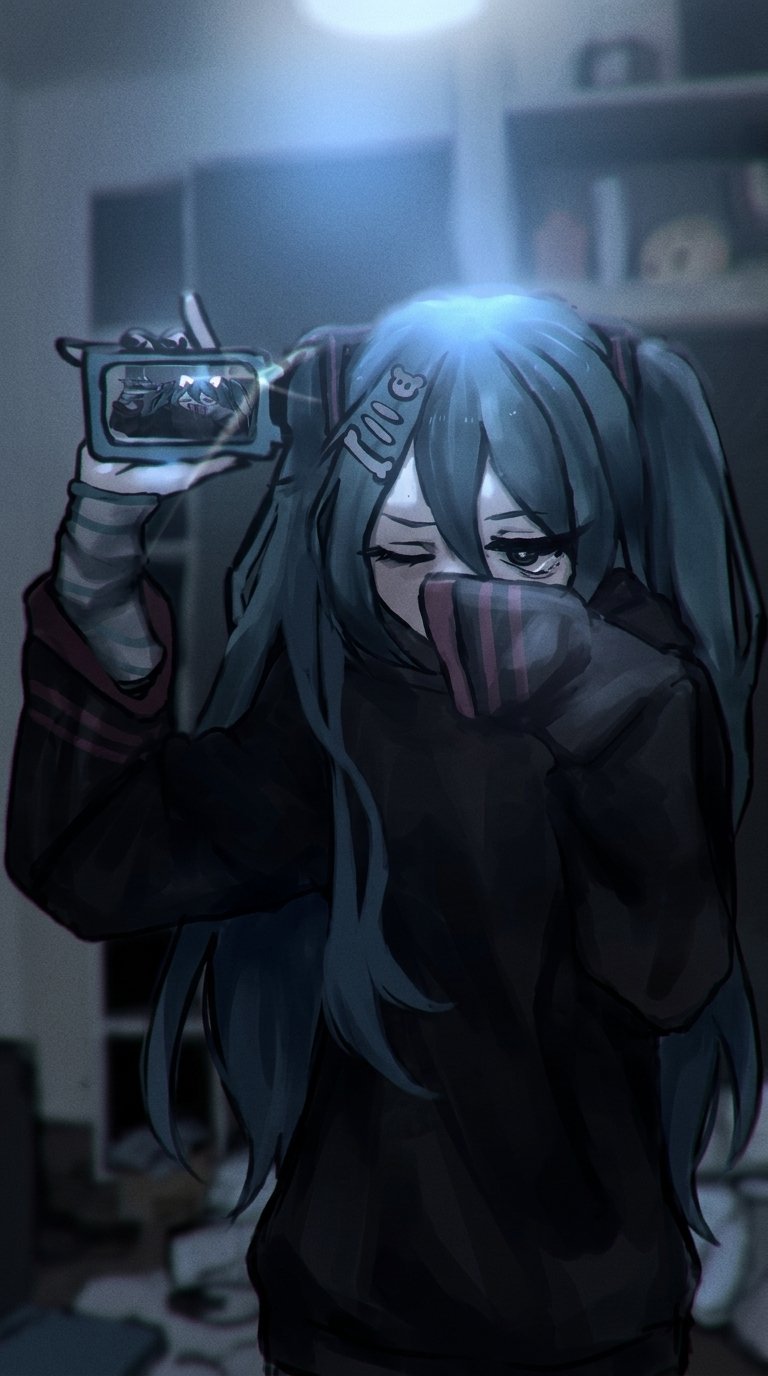
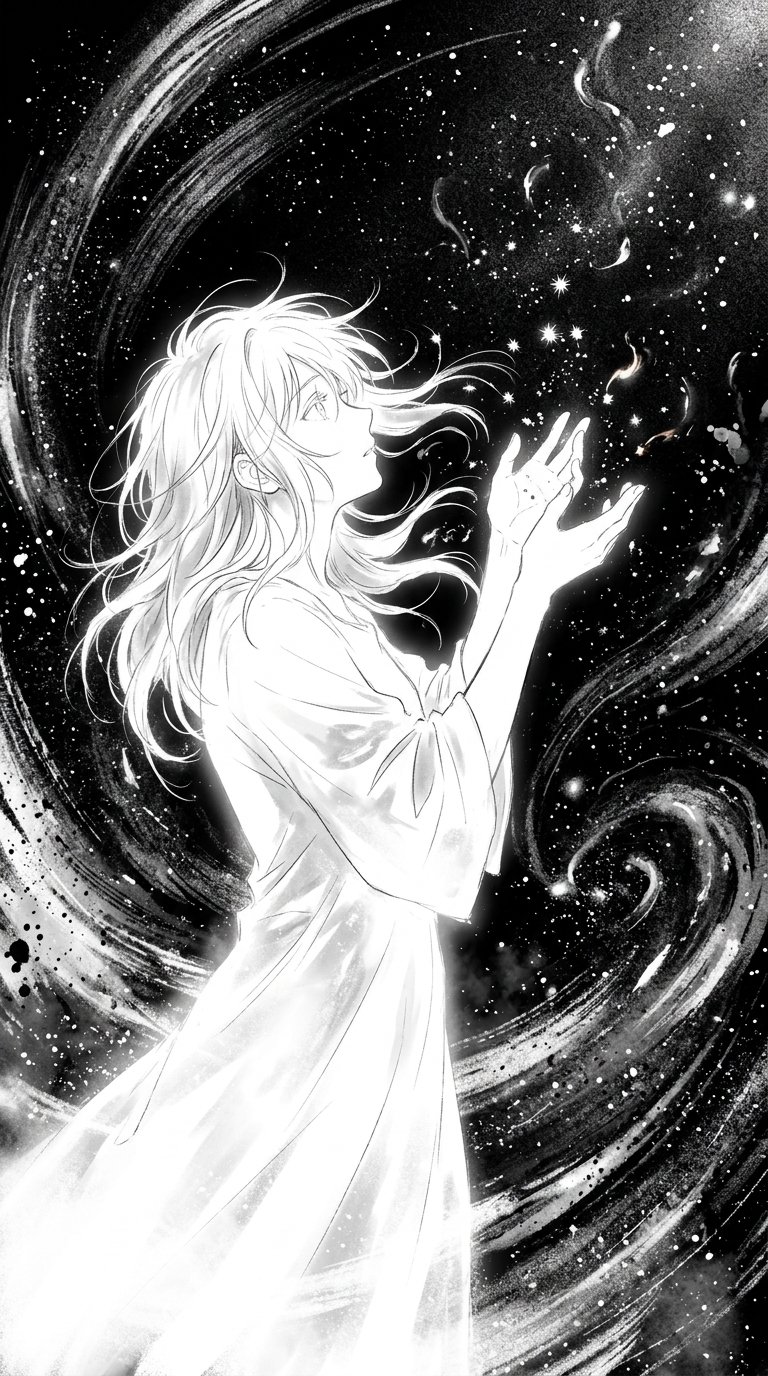
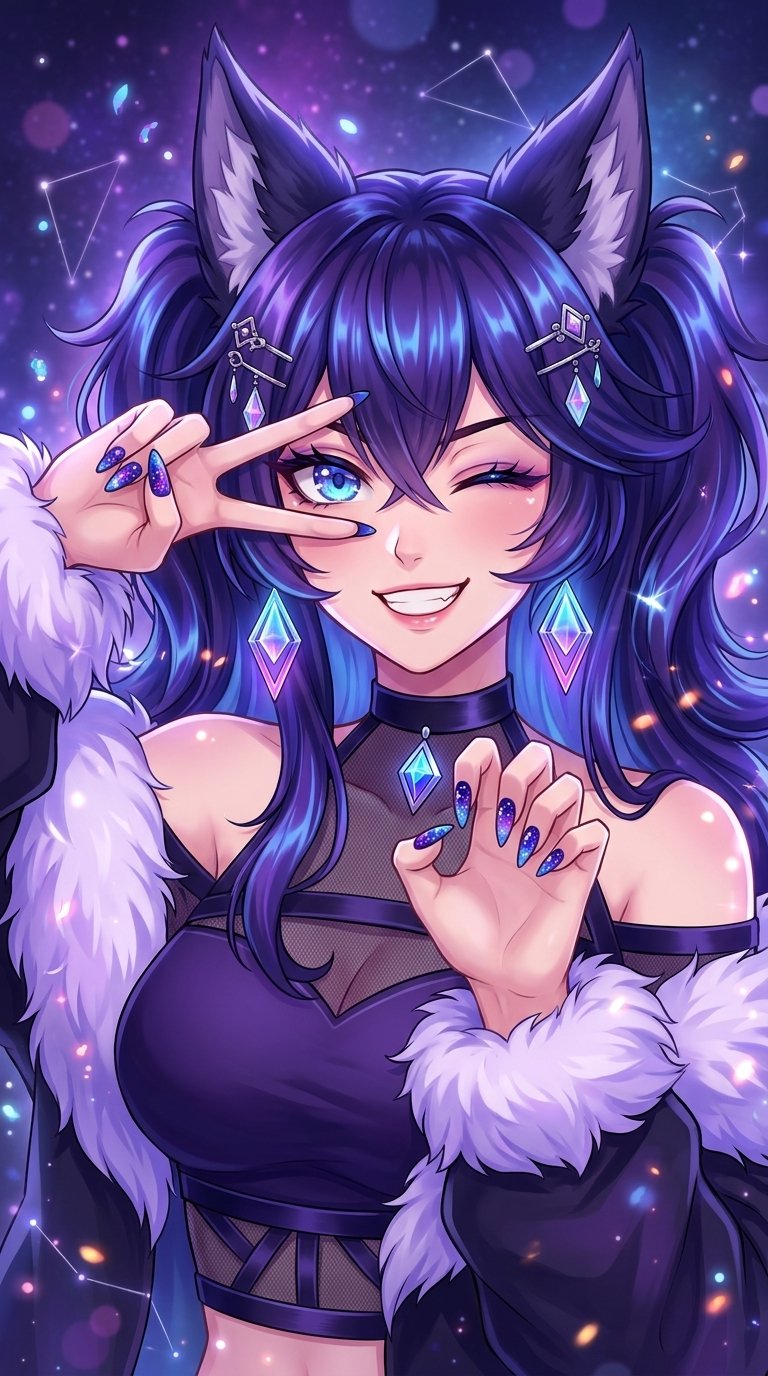
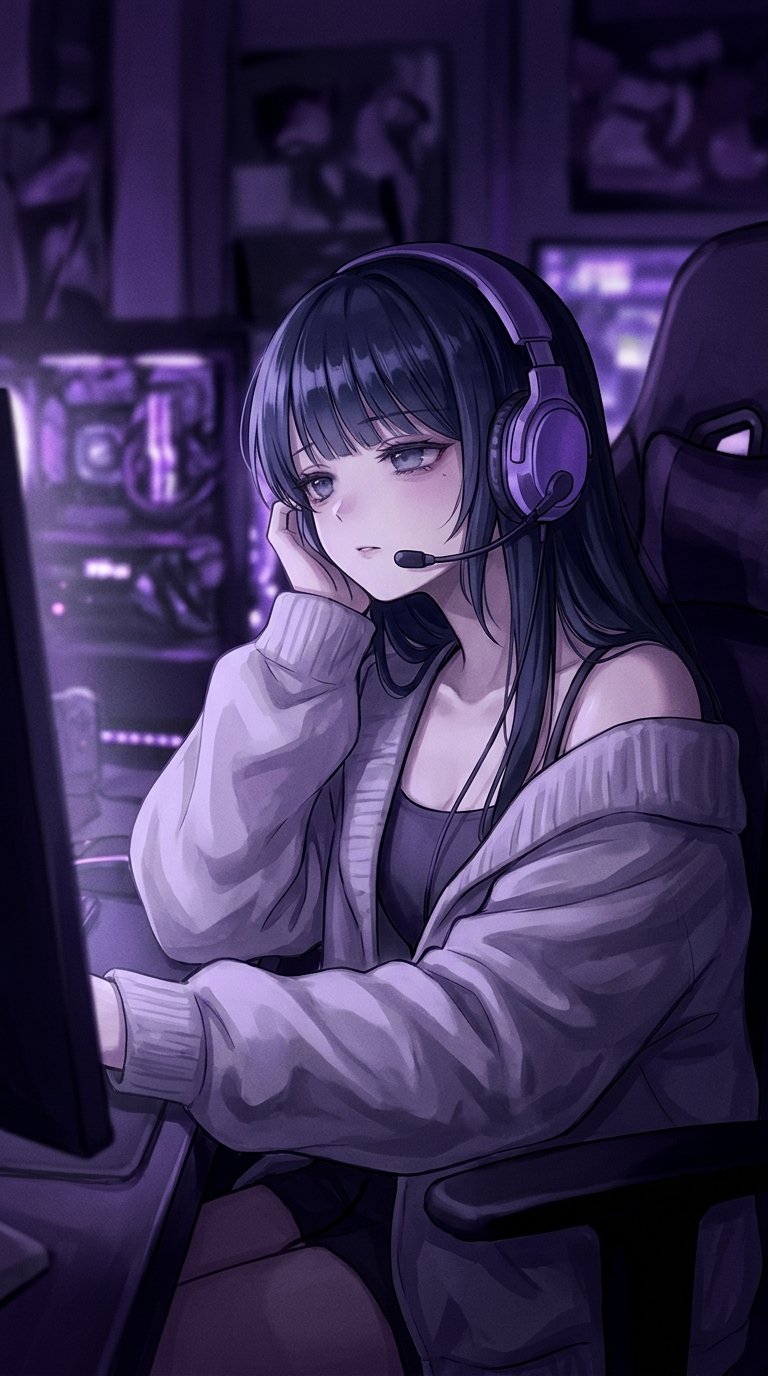
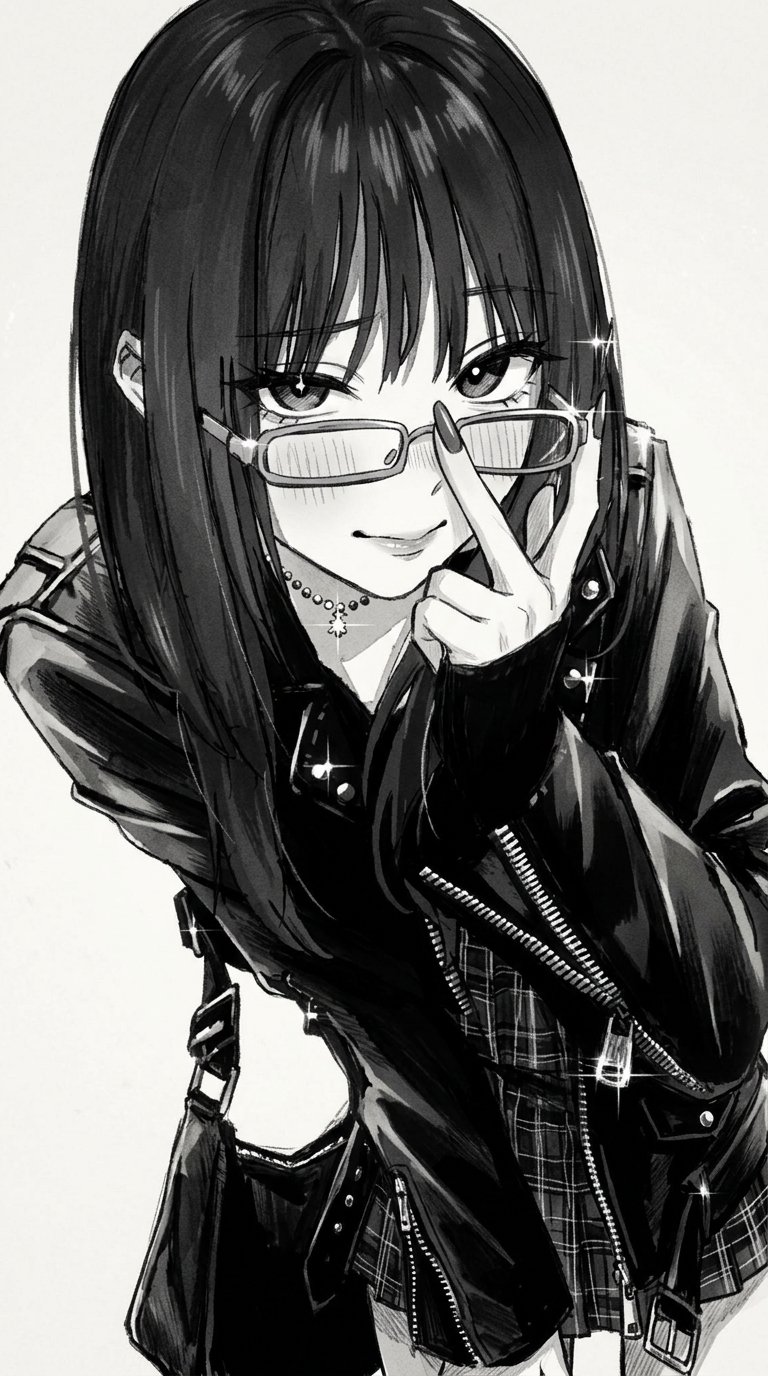
Anime Discord Profile Picture
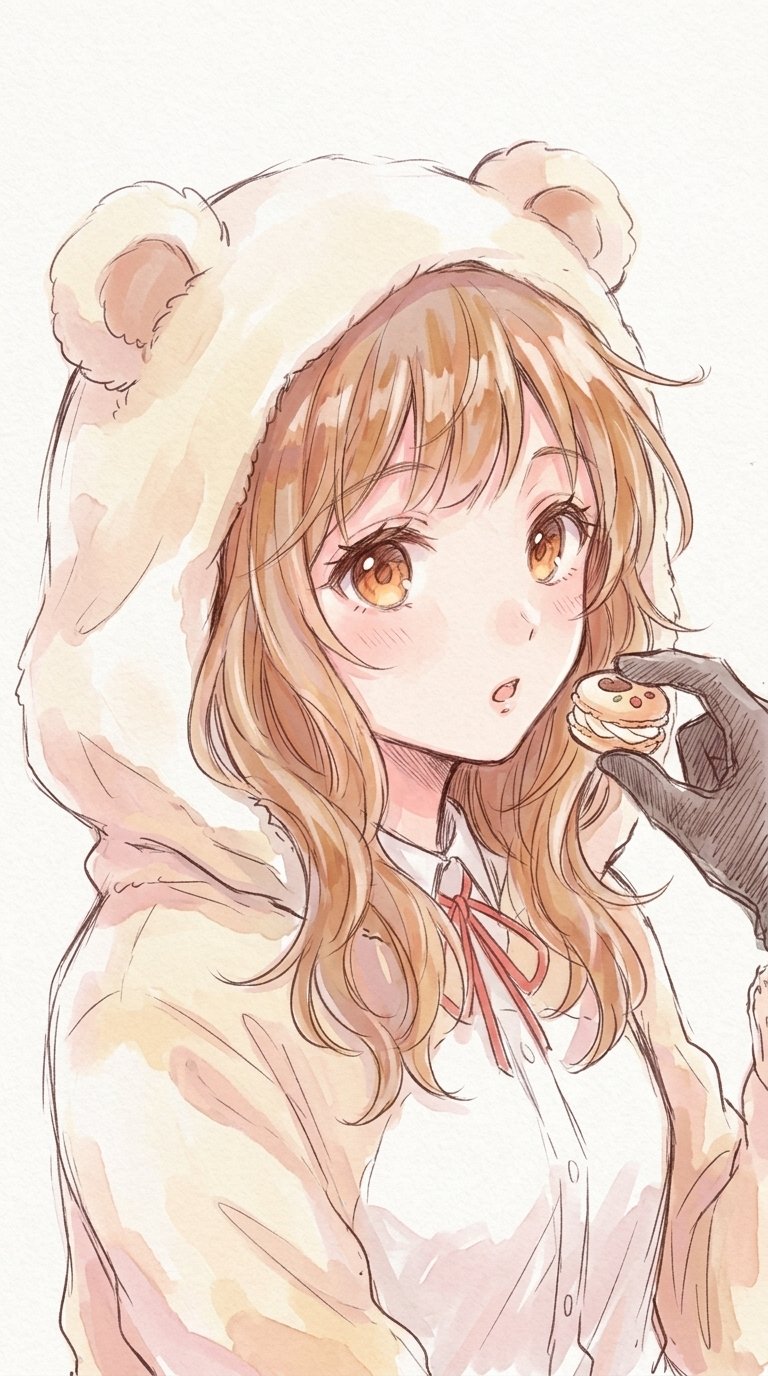
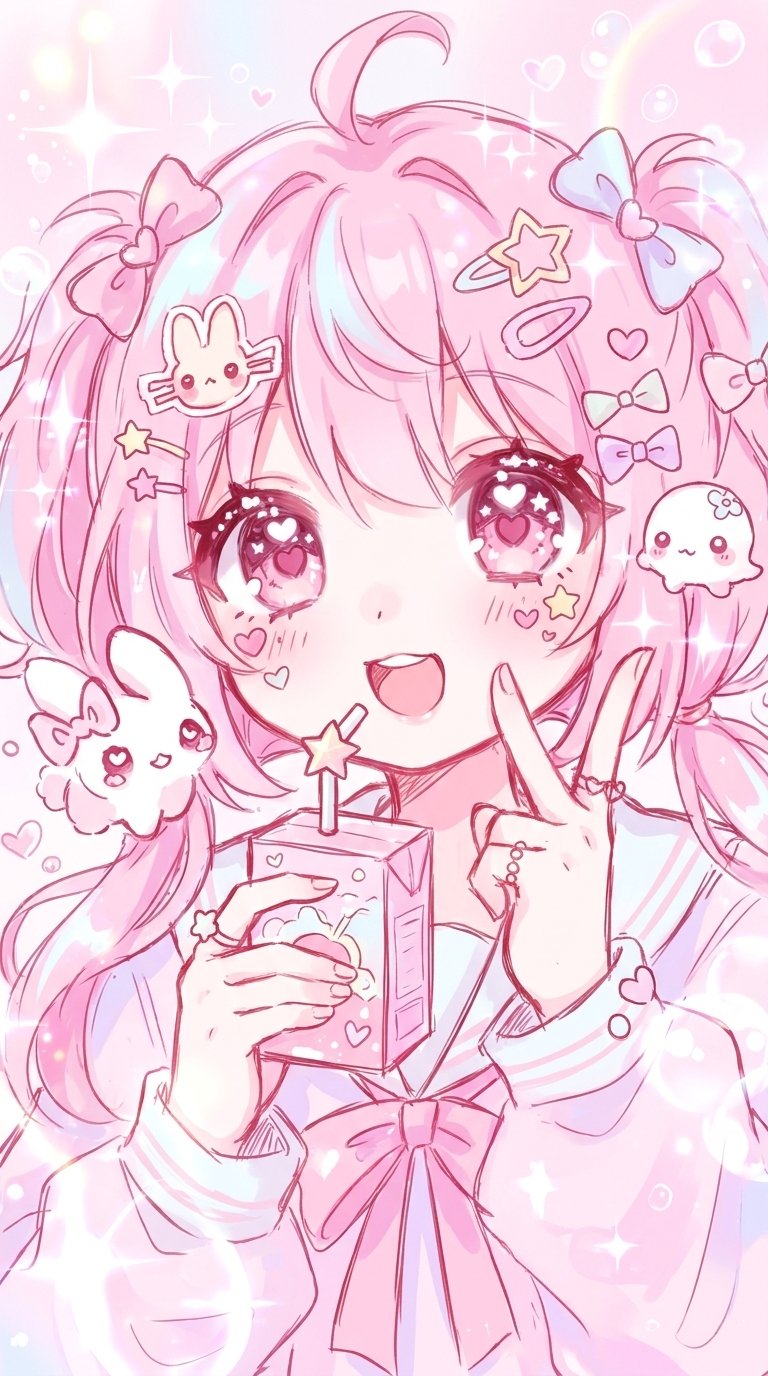
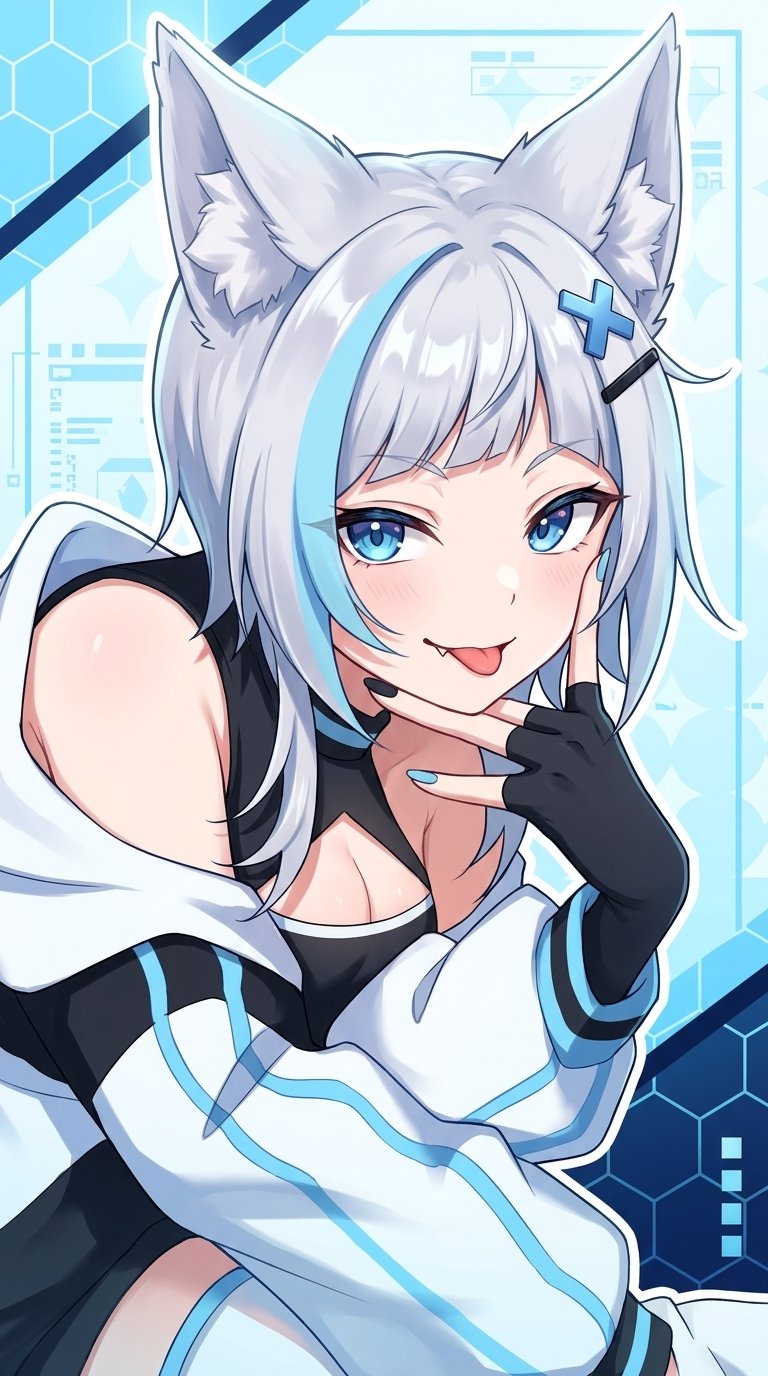



Cute Discord PFP
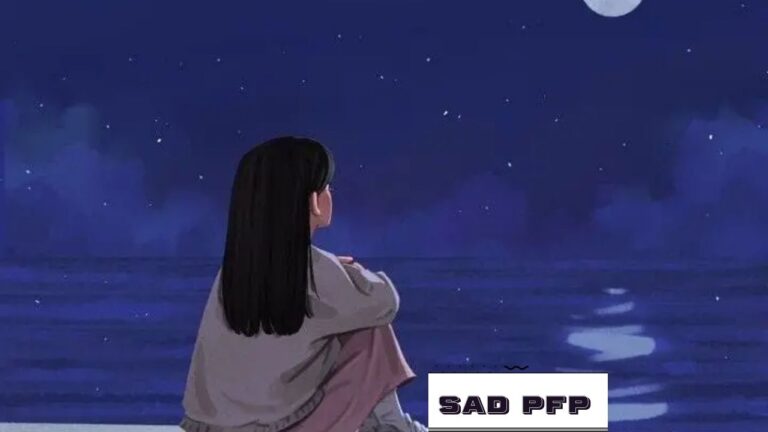
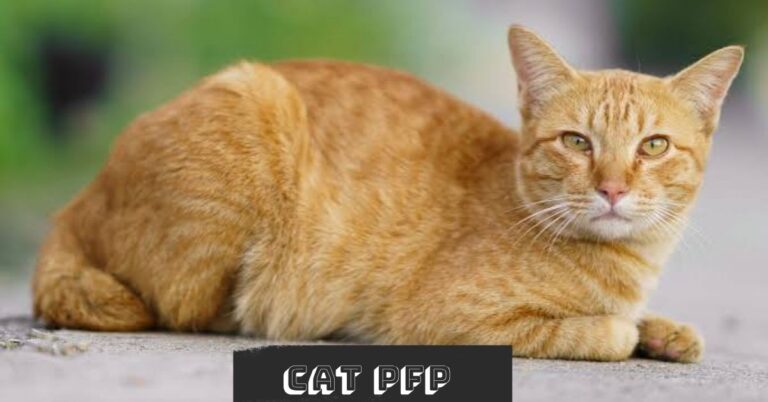
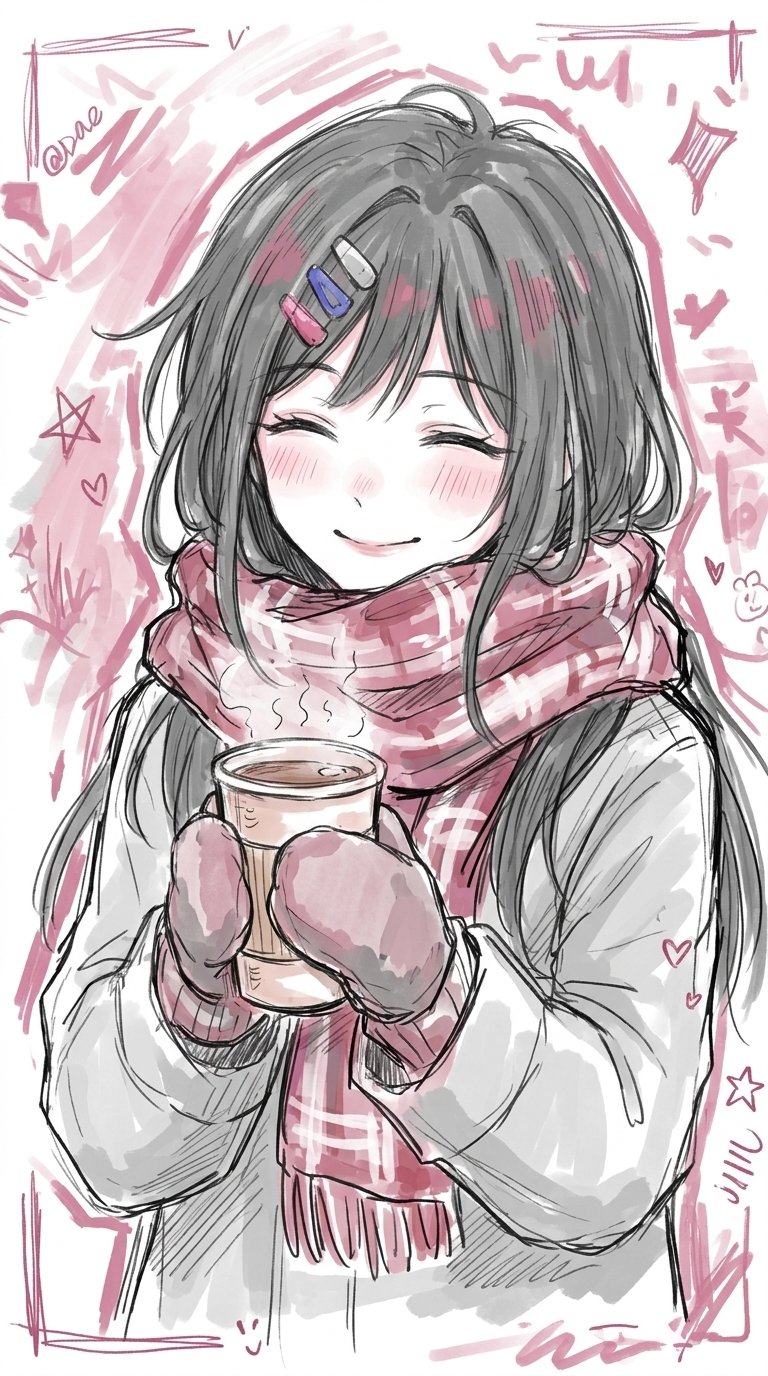
A cute PFP for Discord can be a small way to show your personality every time you chat. Try a favorite animal, a soft-color illustration, a playful character, or a simple symbol that feels like you. If you’re making your own, choose one main subject and a background that helps it stand out. Before you settle on an image, check how it looks when displayed small and cropped into a circle. Clear shapes, a close-up subject, and a little contrast can help your PFP stay recognizable.






Conclusion
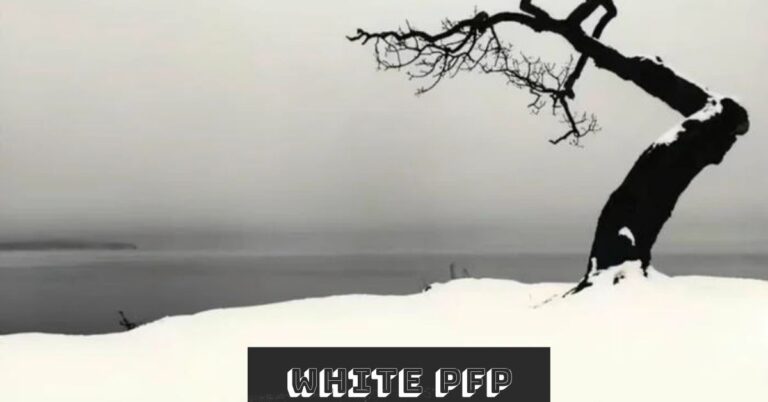
A good Discord PFP balances personality with clarity. The image should look distinct in a crowded member list, not just appealing when viewed full-size. Keep the design focused, with a subject that remains easy to recognize when cropped into a circle. Before uploading, check how it appears against both light and dark backgrounds. Think about the impression you want to make in the communities you join. There’s no need to find a perfect image on the first try. Choose a promising option, preview it in Discord, and adjust or replace it if needed.
FAQs
How To Fix Blurry Discord PFP?
To fix a blurry Discord profile picture (PFP), start with a sharp, uncompressed 512×512 (or 1024×1024) square PNG image and upload it via the Discord web app or desktop client rather than the mobile app
Why Is My PFP So Blurry?
A profile picture (PFP) usually looks blurry because of platform compression, low source resolution, or cropping and stretching.
Does Pixelated Mean Blurry?
Not quite, pixelated does not strictly mean blurry, though people often use the words interchangeably when an image looks unclear.
How To Make Discord PFP Higher Quality?
To make your Discord profile picture (PFP) look sharper, start with a square image around 512×512 pixels (or 1024×1024 if you have Nitro) and save it as a PNG for graphics or high-quality JPG for photos.